The Bricks Migration Engine plugin is designed to help convert Elementor-built designs into Bricks, giving you a faster starting point rather than forcing you to rebuild everything from scratch.
In this video, I take a first look at how the plugin works, test it on a simple Elementor landing page, and see how close the converted Bricks version gets to the original.
How The Migration Process Works
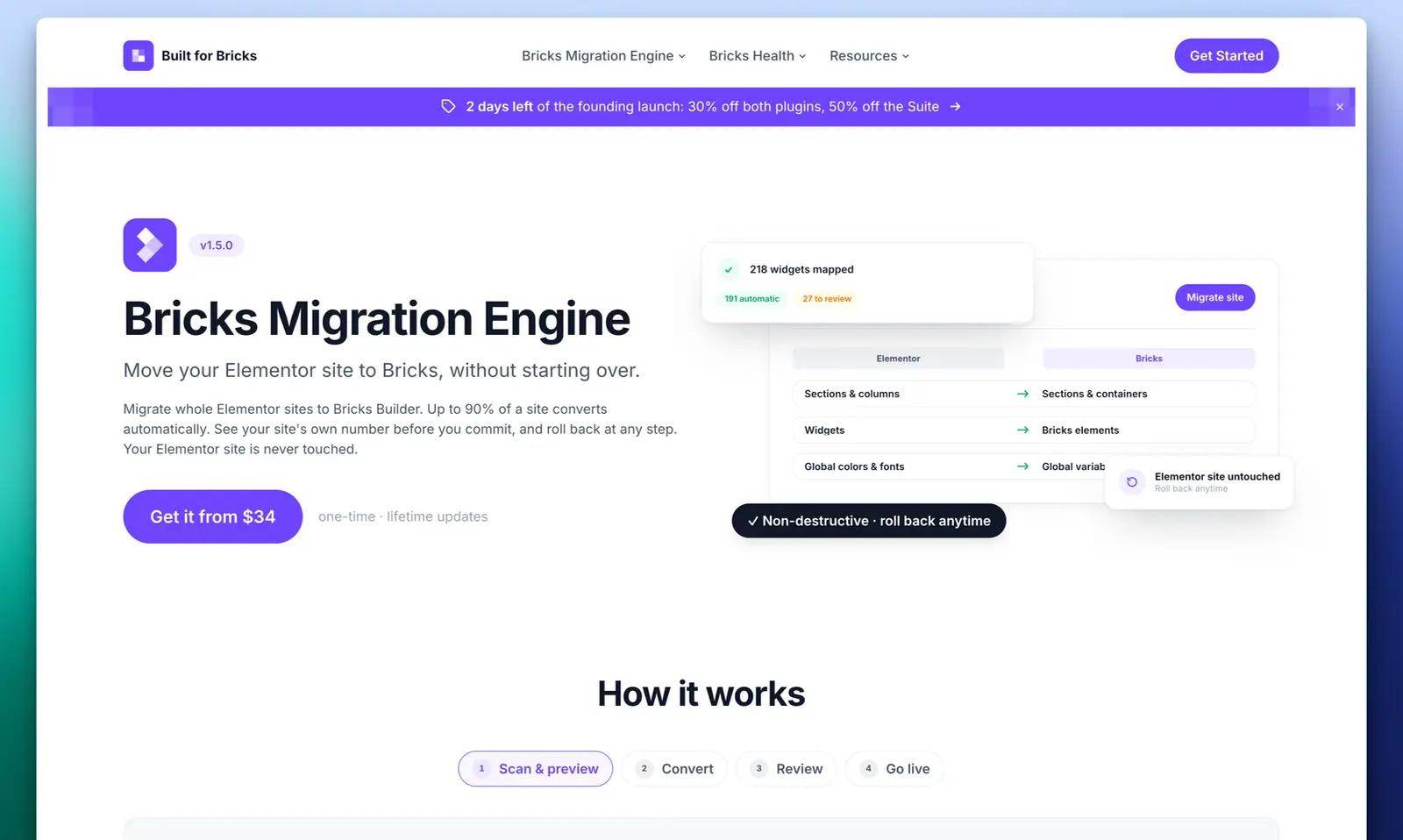
Bricks Migration Engine follows a simple four-stage process:
- Scan and preview
- Convert
- Review and make changes
- Go live
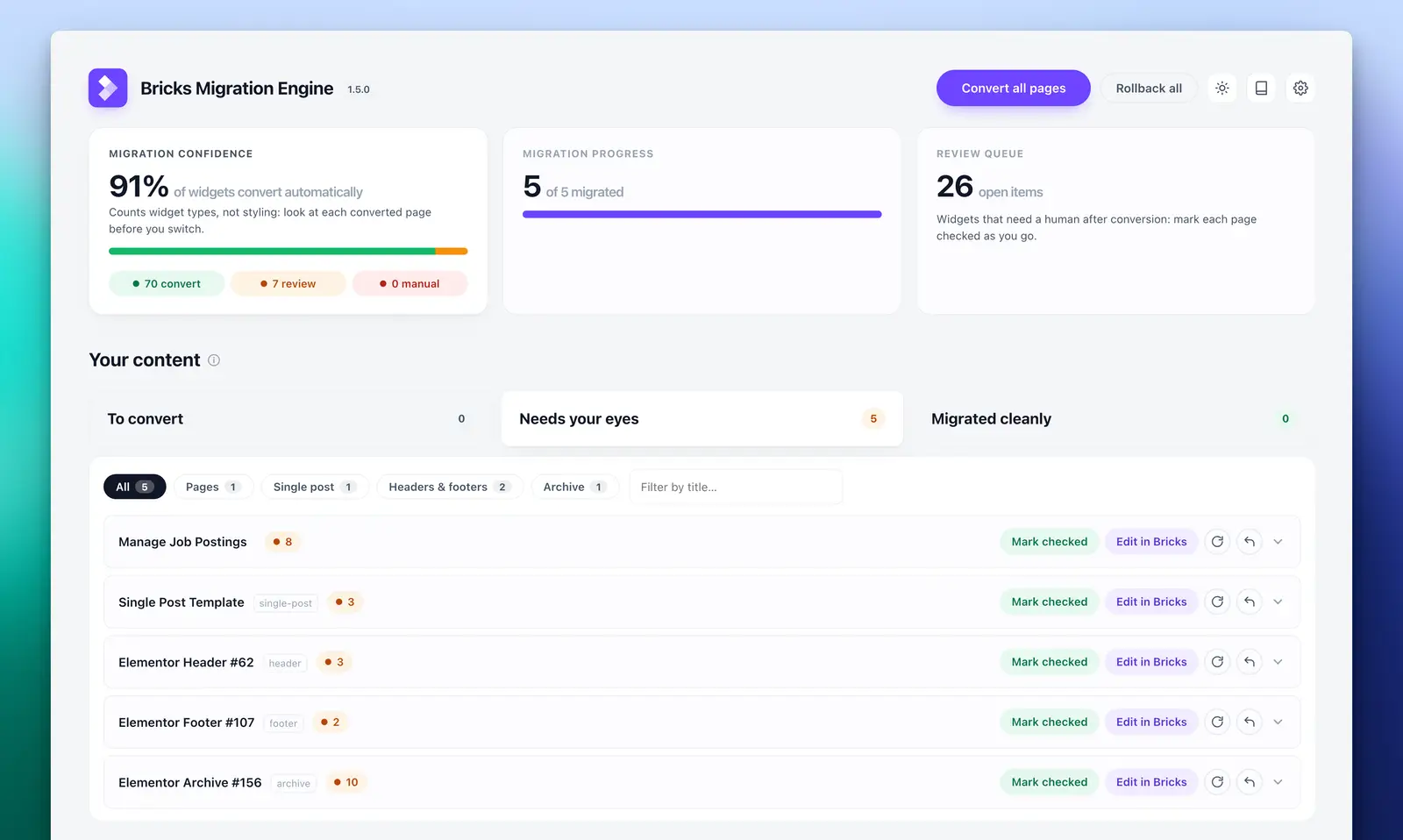
For this test, I used a staging version of a simple landing page that included buttons, hover effects, a video embed, a carousel and several layout sections.
That is important because I would never recommend testing a migration like this directly on a live site. Use staging first, check the results properly, and only then decide whether it is ready to move forward.
First Impressions
The initial scan was quick and gave the page a 99% conversion confidence score. From there, I was able to choose what to convert and let the plugin create the Bricks versions.
The actual conversion was fast, and the results were better than I expected.
The main page structure came across, the carousel worked, button hover effects were retained, and the general layout was in place. It was not a perfect one-to-one conversion, but it did provide a very usable starting point.
There were a few things that needed attention. The video embed did not convert cleanly, some icon alignment needed tweaking, and a few responsive adjustments were still required. None of this was difficult to fix, but it does show why you still need to review the converted pages properly.
The Big Time Saver
The biggest benefit here is not that Bricks Migration Engine magically creates a perfect Bricks version of your Elementor site.
It does not.
The real value is that it can potentially get you a large part of the way there much faster than rebuilding everything manually.
In my test, I would say it handled enough of the conversion to make the remaining clean-up feel manageable. If it gets you 80–85% of the way there, that could still save a serious amount of time on the right project.
The quality of the original Elementor build will also matter. Older Elementor layouts, especially pre-Flexbox designs, may bring across extra containers or structure that you will want to clean up inside Bricks. A more modern Elementor layout should, in theory, convert more cleanly.
Headers, Footers And Templates
One of the more impressive parts of the test was how the plugin handled templates.
The header and footer were converted and moved into the correct Bricks template area, with the display conditions carried across as well.
That is a useful win because templates and conditions are exactly the kind of thing that can become tedious when moving between builders.
Should You Try Bricks Migration Engine?
If you are thinking about moving from Elementor to Bricks, Bricks Migration Engine is definitely worth testing.
Use the free version on a staging copy of your site, try it on a few real pages, and pay close attention to how it handles your layouts, responsive settings, templates and any third-party widgets or embeds.
Based on this first test, it is not a perfect one-click migration tool, but it is a promising way to speed up the process and reduce the amount of manual rebuilding needed.
For anyone looking to migrate Elementor designs over to Bricks, this could be a very useful starting point.